Know when your site fails. Know when your domain changes.
Spot website failures and domain changes early, and alert the right person.
Watch website behavior with HTTP(S) monitoring. Detect important changes to WHOIS, DNS, and SSL/TLS signals with free WebSec monitoring from ostr.io.
$0/mo. Pay as you go.
- HTTP(S)
- Response + changes
- WHOIS / DNS / SSL/TLS
- Free WebSec
- Alerts
- Email + SMS
HTTP(S) website monitoring
Monitor Website Behavior Customers Depend On
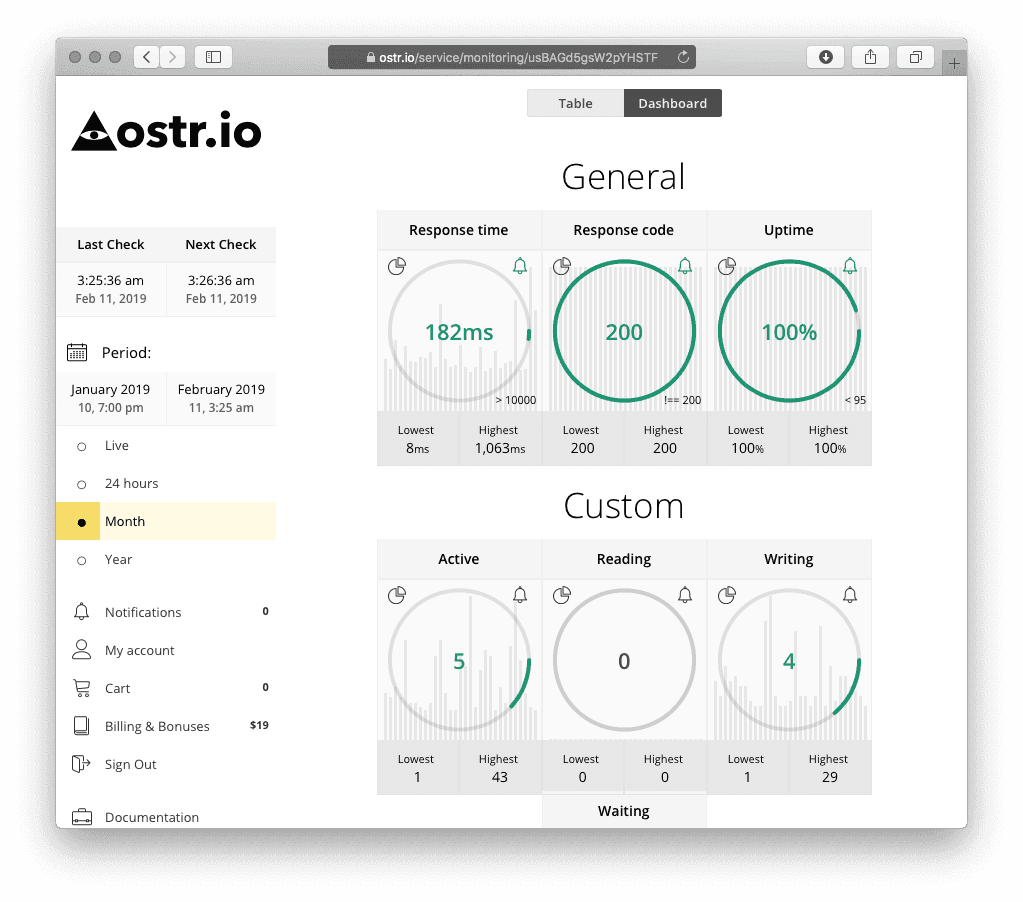
A live HTTP(S) signal board for the pages customers depend on: response status, timing, content, headers, and alert routing in one review path.
- Regular HTTP(S) checks
- Email and SMS alerts
- Quick setup
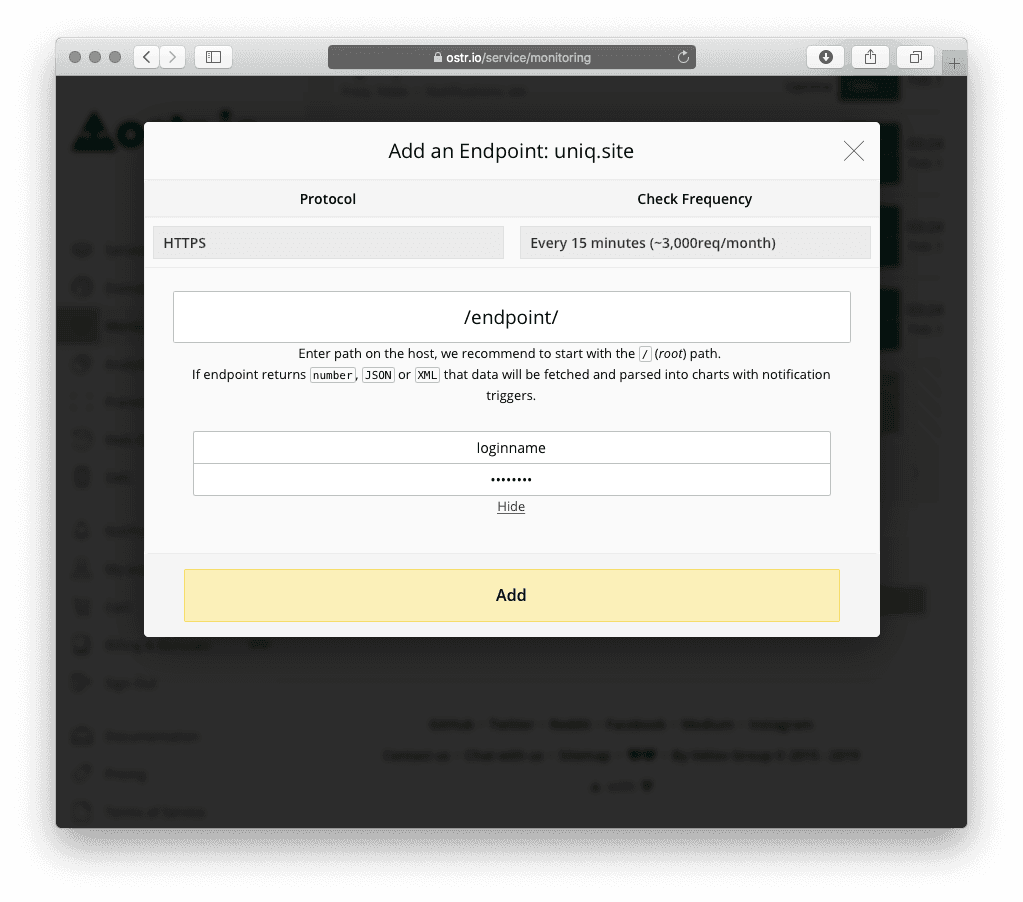
Response Code
See when an endpoint returns an unexpected status or redirect.
Response Time
Spot slow customer-facing paths worth investigating.
Page Output
Compare visible content and important response changes.
Alert Route
Send the signal to people who can check hosting or DNS.
When a business website stops responding as expected, owners need a clear signal to start investigating. ostr.io HTTP(S) monitoring is designed to watch site responses and surface monitoring information for review.
Monitored signals such as response code, response time, uptime percentage, page content changes, and Content-Type changes help a team check hosting, releases, routing, or unexpected page behavior.
Detection-first: the console shows monitored signals for review, not automatic cause or remediation.
Add Domain-Control Awareness With Free WebSec
Website availability is only part of keeping a business reachable. A changed DNS record, an unexpected WHOIS record update, or a certificate issue can require owner attention.
ostr.io WebSec monitors WHOIS records, DNS records, and SSL/TLS certificates. It also provides reminders as a domain name or certificate approaches expiration. WebSec domain-protection monitoring is presented as free.
Route Alerts To Responsible People
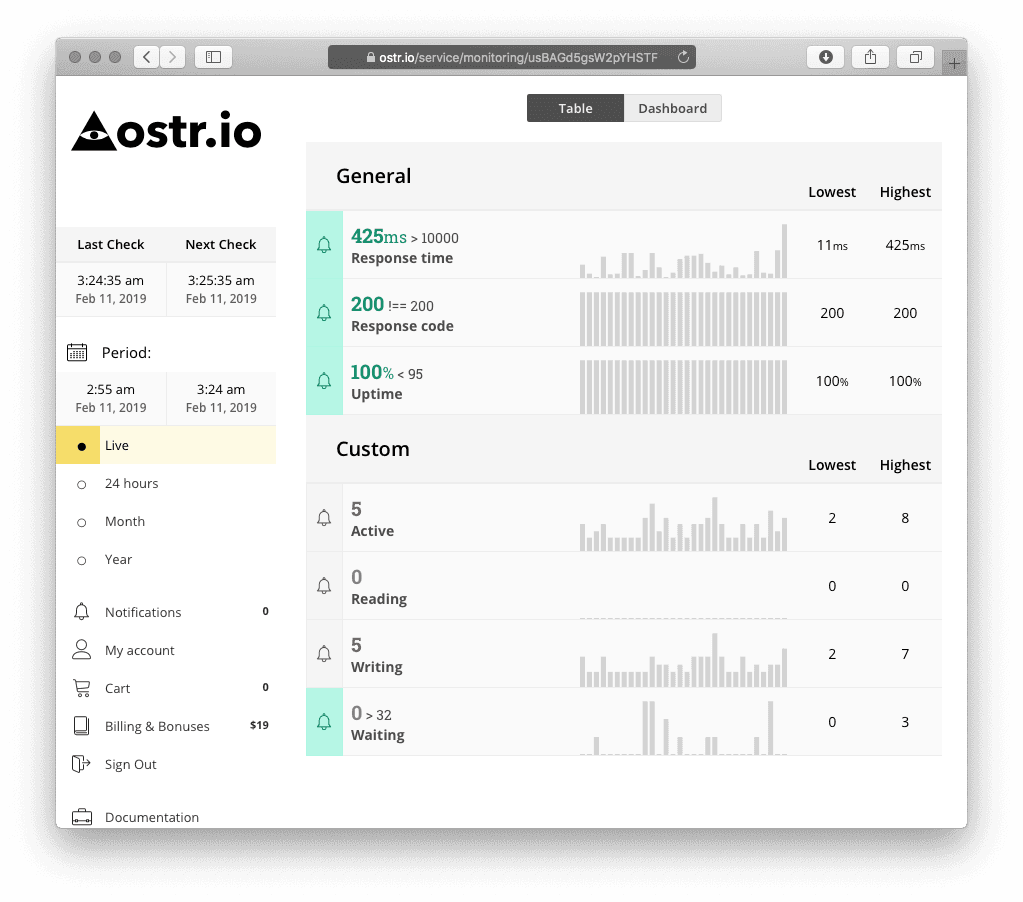
Monitoring matters when a responsible person can review an alert and decide what to do next. ostr.io supports email, SMS, and web-push notifications. Choose recipients who can check the site, DNS provider, registrar, or certificate workflow when needed.
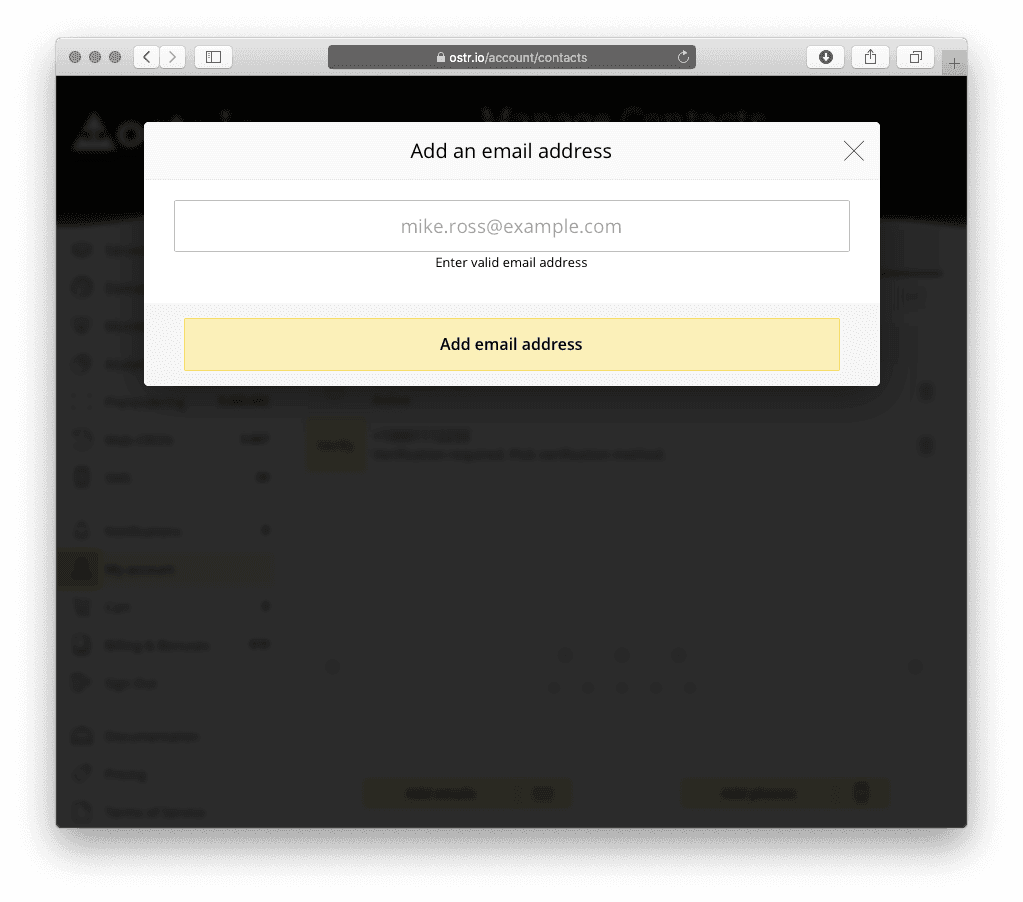
Start In Four Steps
Add website or domain inside ostr.io.
Choose relevant monitoring checks.
Assign recipients for alerts and reminders.
Review signals and take action with host, registrar, DNS provider, or certificate issuer when required.
Free Domain Signals And Metered Monitoring
$0/mo. Pay as you go.
Free
Free WebSec covers the domain-control signals described here.
- WHOIS monitoring
- DNS monitoring
- SSL/TLS monitoring
- expiration reminders
Pay as you go
HTTP(S) monitoring and SMS usage follow ostr.io pricing rules.
For current plan and usage details, read official ostr.io pricing before you purchase.
What Domain Protection Means Here
On this site, domain protection means visibility into the signals that keep a small-business website and email reachable: website responses, WHOIS records, DNS records, SSL/TLS certificates, expiration deadlines, and alert routing. Monitoring does not enforce security or repair provider issues by itself. It gives responsible people a clear signal, a timestamp, and a next place to check.
That distinction matters. A useful monitoring site should not promise that nothing can go wrong. It should help owners notice when a public endpoint, domain record, certificate, or renewal date needs review, then point them to the provider or account that owns the next action. That standard is why this site is written as an official ostr.io property, with a clear evidence policy.
It also helps to know which layer owns each signal. ostr.io is where the monitoring itself runs - the checks, the alerts, and the reminders described on this page. Serving your pages and answering DNS queries is a different job, and it belongs to your host and your DNS provider. Bridge CDN is being built by the same company for that delivery side, and it is currently in development rather than available - worth knowing if you are choosing providers, and a reminder that on this site monitoring and delivery stay deliberately separate.
owner checklist
Domain protection here means visible signals, owners, and the next account or provider to check.
Prepare The Details That Make Alerts Useful
Monitoring is easier to act on when the basic ownership details are already written down. Before adding checks, collect the domains, website URLs, registrar account owner, DNS provider, hosting provider, certificate contact, and the people who should receive alerts. That small inventory turns a notification into a review path instead of a scramble.
For a small business, the useful question is not "who owns the website?" in the abstract. It is who can log in, who can approve a provider change, who can contact support, and who should know when a monitored signal changes. Put those names beside the monitored assets before the first alert arrives.
Website endpoints
The public pages where a failure becomes visible to customers.
Domain ownership
The registrar, renewal owner, and backup contact.
DNS and certificate providers
The accounts a maintainer checks during review.
Alert recipients
The people who can investigate during business and after-hours coverage.
Practical Guides
These guides are useful on their own - prepare your monitoring before the first alert arrives, and know exactly what to do when one does.
Need Server Or Hardware Monitoring?
ostr.io also presents SNMP monitoring for server and hardware signals. This site keeps that topic concise; deeper SNMP guidance belongs on official specialized ostr.io resources such as snmp-monitoring.info.
Common Questions
Does monitoring fix problems automatically?
No. ostr.io reports monitored website behavior and domain signals so a responsible person can investigate. You or your provider still make any changes.
What does domain protection mean on this site?
It means monitoring website and domain-control signals - HTTP(S), WHOIS, DNS, SSL/TLS, expiration dates, and alerts - so responsible people know when to review a change.
What does "free WebSec" cover?
WebSec monitors WHOIS, DNS, and SSL/TLS signals and sends domain and certificate expiration reminders. ostr.io presents these domain-protection capabilities as free.
Do I have to monitor everything at once?
No. Start with the customer-facing endpoints and the domain signals that matter most to your operation, then expand coverage as needed.
Which website pages should I monitor first?
Start with the homepage, checkout or booking flow, login page, contact form, and any page customers use to decide whether the business is open and reachable.
Who should receive monitoring alerts?
Send alerts to someone who can investigate quickly, such as an owner, operations mailbox, technical maintainer, DNS provider contact, or certificate owner.
Are DNS and WHOIS changes always bad?
No. Many changes are expected provider work, renewals, migrations, or verification updates. Monitoring helps the right person review whether a change matches planned work.
Does this replace registrar or hosting account security?
No. Keep registrar, DNS, hosting, and email accounts secured separately. This site explains detection and alerting signals, not account protection controls.
When should I add SMS alerts?
Use SMS for signals where inbox delay is risky, such as key customer-facing pages, domain expiration reminders, or changes that need owner review outside normal email routines.
Start Monitoring With ostr.io
Understand website responses. Watch key domain signals. Send alerts to people who can investigate.
domain-protection.info is an official monitoring information property by ostr.io. About this site